Golden Eclipse
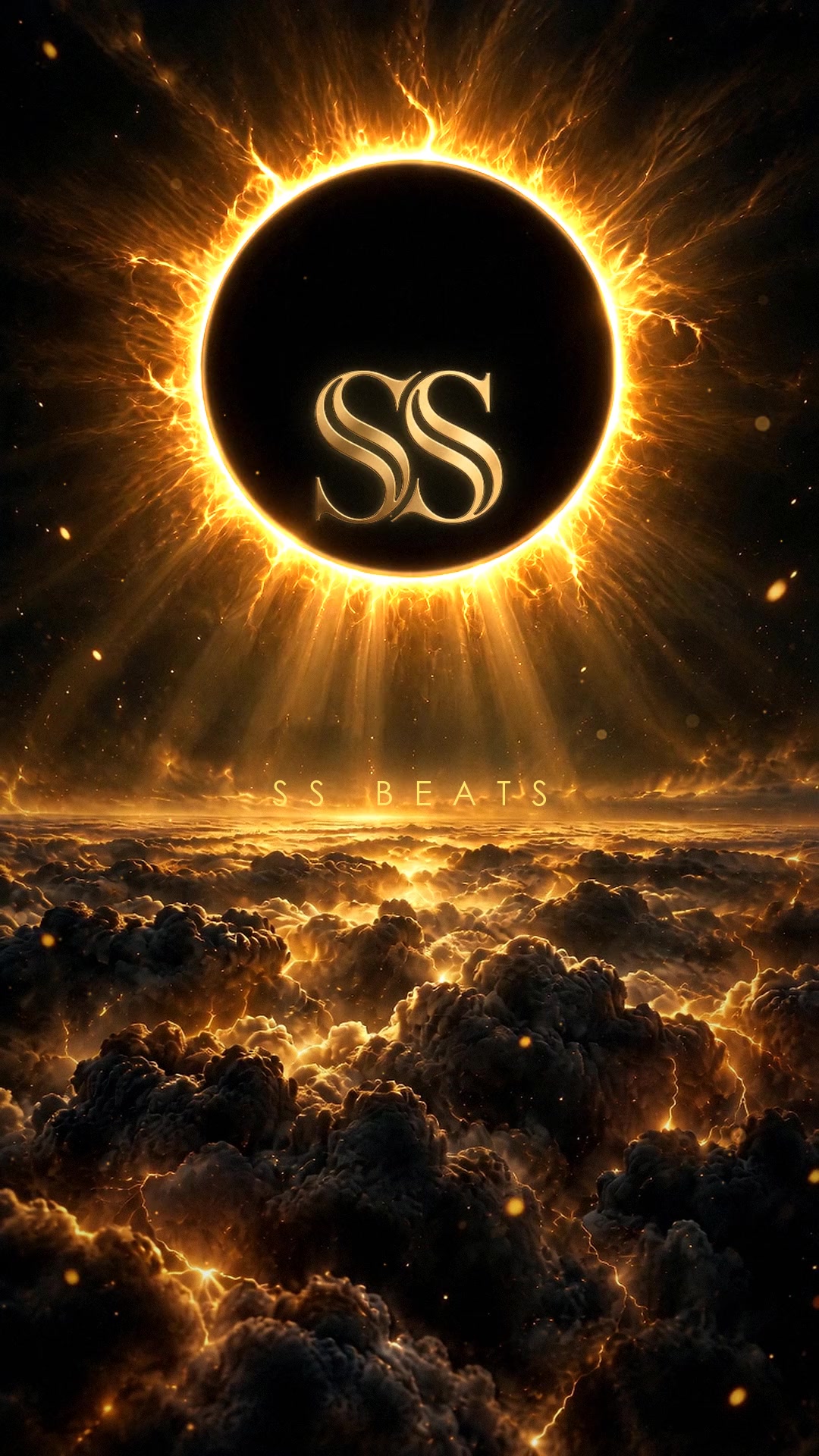
The gold SS monogram burns inside a black sun above a sea of storm clouds. The corona beats like a kick drum and throws a shockwave every other beat.

Live wallpapers by SS Beats
Four seamless loops cut like movie shots: two for your phone, two for your watch. Free to download.
See the wallpapers1080 × 1920 · 24 fps · 3.5 second seamless loop
The gold SS monogram burns inside a black sun above a sea of storm clouds. The corona beats like a kick drum and throws a shockwave every other beat.
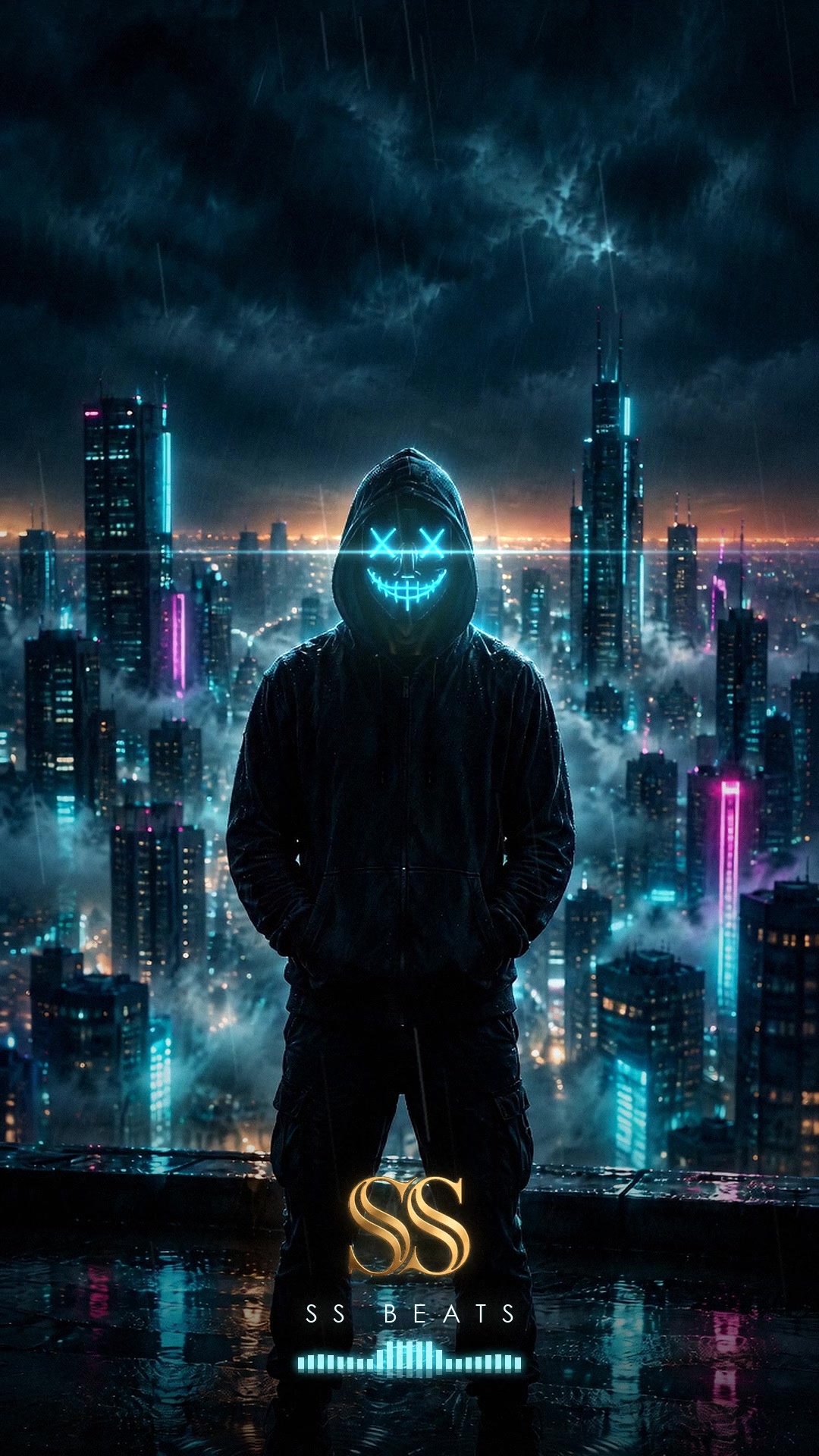
The SS Beats masked figure on a rooftop above a drowned neon city. Rain, fog, an anamorphic flare through the eyes and a spectrum that keeps time.
Round 480 × 480 for Galaxy Watch, Pixel Watch and Wear OS · 416 × 496 for Apple Watch
The eclipse becomes a watch dial: a dark bezel with sixty gold ticks, a comet that sweeps the minutes once per loop, the monogram at the heart of it.
The mask up close, rain running down the hood, ringed by a circular spectrum: bass at twelve, magenta when it peaks, and the gold SS at six.
iOS moves only Live Photos on the lock screen, and won’t join a photo and a video saved from Safari or Files into one. With a Mac: download the Live Photo ZIP, open it and AirDrop the .pvt inside to your iPhone; it lands in Photos as one Live Photo. iPhone only, or if the lock screen says Motion Not Available: save the MP4 and convert it with a video-to-Live-Photo app. Then Settings → Wallpaper → Add New Wallpaper → Photos, pick it and keep Live Photo on. The JPG works as a still.
Samsung: save the MP4, then Settings → Wallpaper and style → Change wallpapers → Gallery, pick the video for the lock screen. Other phones: any video-wallpaper app plays the MP4 in a loop.
Use the round 480 version. Photo watch faces that play GIFs take the GIF; watch-face apps that accept video take the MP4. The JPG fits any photo face.
watchOS faces do not play videos or GIFs. Put the 416 × 496 still on the Photos face, or use the MP4 in a watch-face app that supports video.